Crafting the Perfect Cable Management System for Your Custom PC Build

Crafting the Perfect Cable Management System for Your Custom PC Build

Solidly Stated explains how perfect PC cable management transforms a custom PC build into a cooler and easier-to-maintain system.

Why Perfect PC Cable Management Matters

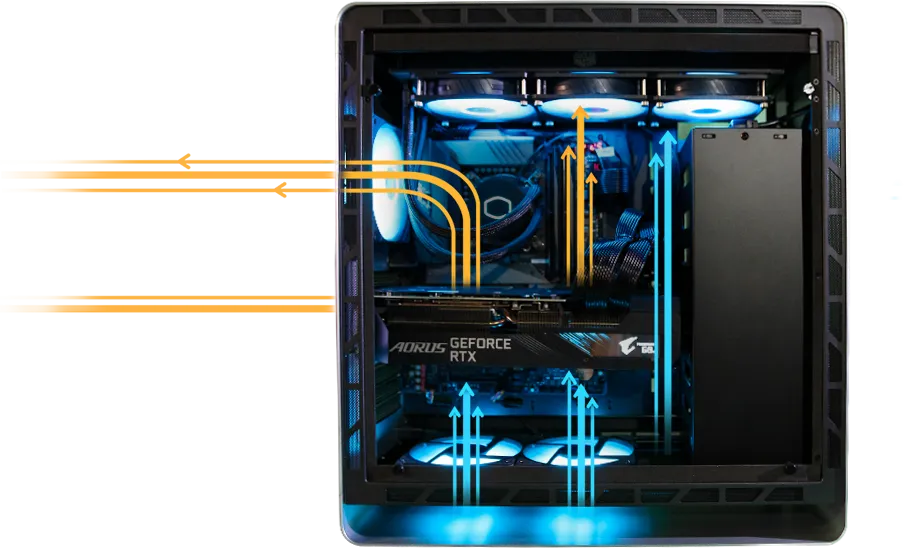
Perfect PC cable management is more than aesthetics. It directly improves airflow and cooling efficiency inside the case.

Neatly routed cables reduce airflow obstruction. As a result, fans can move air freely, lowering CPU, GPU, and VRM temperatures.

Clean layouts also simplify maintenance. You can swap parts faster, spot issues quickly, and avoid accidentally pulling the wrong cable.

On the other hand, messy wiring can trap dust, increase temperatures, and create unnecessary noise because fans must spin faster.

Perfect PC cable management also protects connectors from stress. Tight bends and stretched runs may loosen plugs or damage wires over time.

Planning Your Cable Management Strategy

Before installing components, plan your layout around perfect PC cable management. Study your case’s cable channels, grommets, and tie-down points.

Check where the motherboard’s 24-pin connector, EPS power, SATA ports, and fan headers sit. Then map the shortest, cleanest routes to each point.

Meanwhile, choose a power supply with fully modular or semi-modular cables. Using only the necessary cables keeps the interior less crowded.

Measure approximate cable lengths. Avoid tight stretches that pull on connectors. Slight slack is better than tension for long-term reliability.

Therefore, planning early prevents rework later. It also helps you decide where to hide extra cable length, especially behind the motherboard tray.

Essential Tools and Accessories

Proper tools make perfect PC cable management faster and more accurate. Start with a pack of high-quality zip ties and reusable Velcro straps.

Use Velcro where you may need future adjustments, like fan cables and front panel connectors. Reserve zip ties for permanent bundles.

Cable combs help align individual wires from sleeved extensions, creating that premium, parallel look near the motherboard.

In addition, cable clips and adhesive anchors provide extra tie-down points where your case has limited built-in hooks.

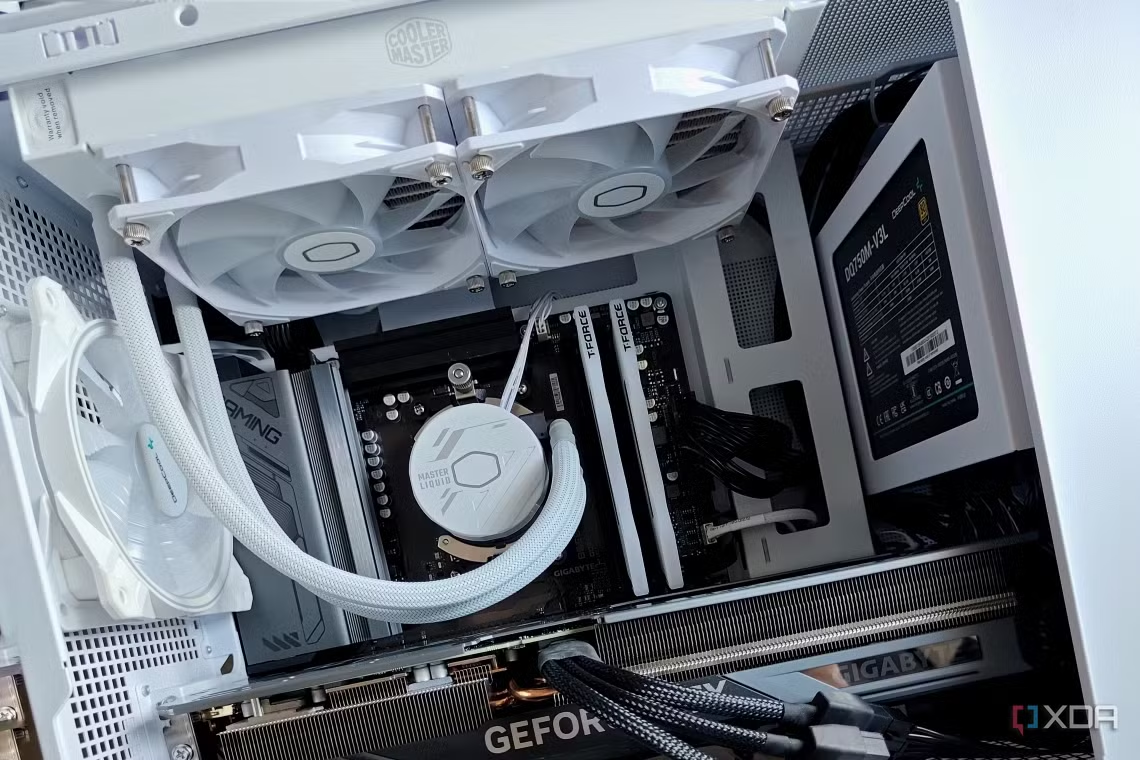
Cable extensions in matching colors can turn basic PSU cables into a centerpiece while still supporting perfect PC cable management.

Routing Power Supply Cables Cleanly

Begin with the motherboard 24-pin and CPU EPS cable, as they are bulky and crucial for perfect PC cable management.

Route them through the nearest rubber grommets, keeping most of their length behind the motherboard tray.

After that, tackle PCIe GPU cables. Run them vertically along case edges, then curve them gently into the GPU with cable combs if available.

Group SATA power cables together and send them along a lower channel. Branch off only when they reach SSDs, HDDs, or RGB controllers.

Meanwhile, avoid crossing cables in the visible chamber. Keep intersections hidden behind the tray or under shrouds whenever possible.

Managing Data, Fan, and RGB Cables

Data and lighting cables can quickly disrupt perfect PC cable management if left unchecked. Start with shorter SATA data cables to reduce clutter.

Connect all front panel connectors in one path, then secure them with a Velcro strap near the bottom edge of the motherboard.

Fan and RGB hubs are powerful allies. Mount them behind the motherboard tray so multiple devices share a single power and control route.

Read More: Step-by-step guide to building a custom gaming PC safely

Group front intake fan cables together, then rear and top fans in another bundle. This structure supports perfect PC cable management with minimal overlap.

If the motherboard supports daisy-chained ARGB, chain devices logically and keep the extra length hidden behind the tray.

Using Case Features for Perfect PC Cable Management

Modern cases include cut-outs, channels, and covers designed for perfect PC cable management. Take advantage of every one of these helpers.

Slide bulk cables under PSU shrouds where available. Use vertical channels with built-in Velcro straps to hold the main bundles.

Cable grommets should serve as clean exits for visible runs. Keep only the final segment of each cable exposed in the main chamber.

Meanwhile, check the gap between the motherboard tray and side panel. Do not overstuff this space, or you might struggle to close the case.

As a result, balancing hidden space usage and accessible channels yields a clean look without stressing the side panel.

Common Mistakes and How to Avoid Them

Many builders sabotage perfect PC cable management by rushing the final steps. Do not cut all zip ties until the system boots successfully.

Avoid pulling cables too tight. This can strain connectors and make later upgrades harder, especially around the GPU and storage drives.

Another mistake is ignoring airflow. Bundling thick cables in front of intake fans defeats the purpose of perfect PC cable management.

Nevertheless, overusing extensions and RGB splitters can also backfire. More parts mean more wires to manage and potentially more failure points.

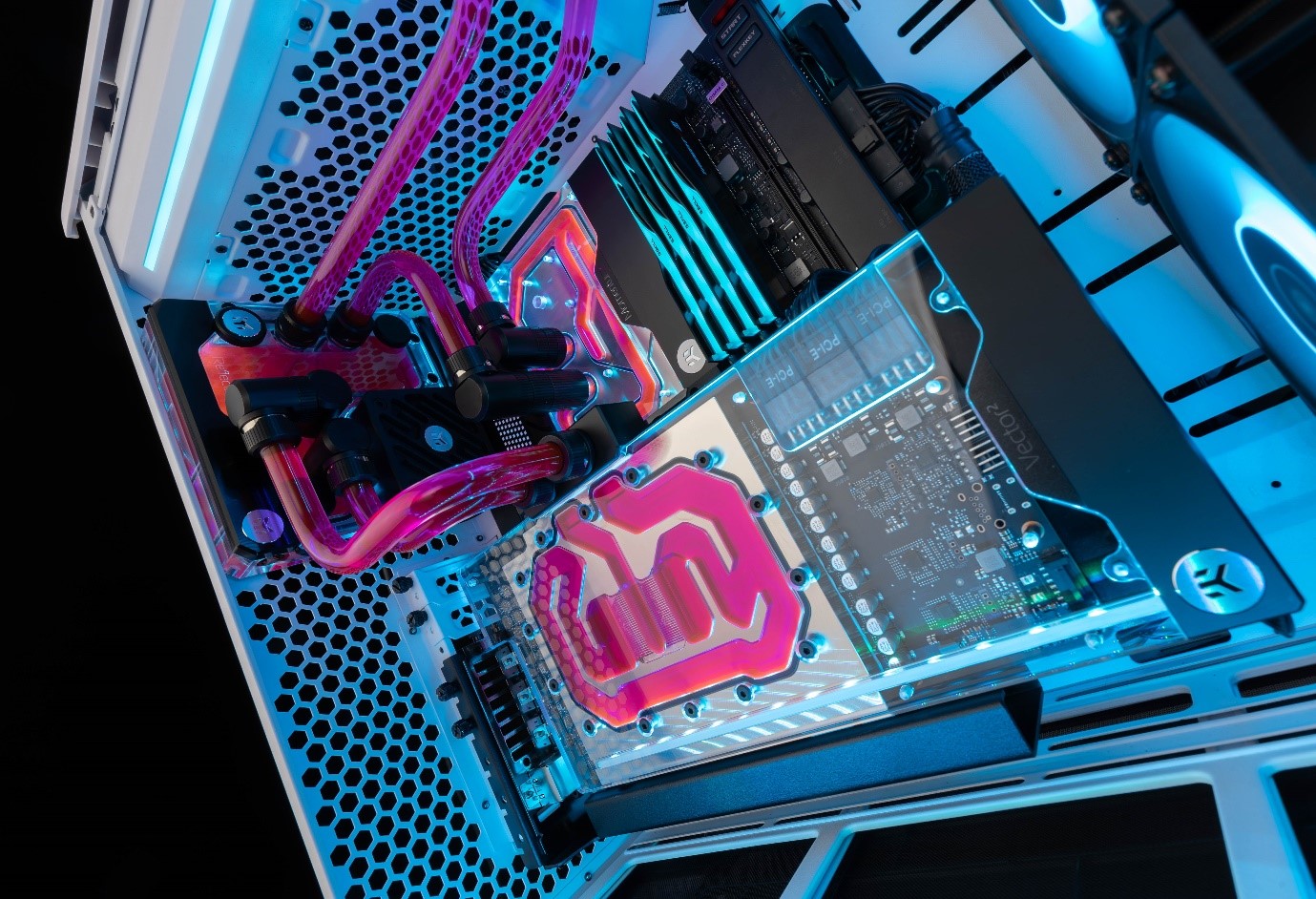
Finally, do not forget to label obscure cables, like custom loop pump power or fan hub inputs, for quicker troubleshooting in the future.

Maintaining a Clean Layout Over Time

Perfect PC cable management is not a one-time task. Each upgrade risks disturbing your carefully planned layout.

When adding new storage or fans, follow the same routing principles. Keep new cables inside existing channels whenever possible.

Remove unused wires instead of letting them pile up. Modular PSUs make this easy and keep the hidden side neat.

In addition, schedule occasional dust cleaning. While panels are open, inspect for slack cables sliding into fan blades or blocking vents.

Document your final layout with photos. These images help you restore perfect PC cable management after major hardware changes or troubleshooting.

Achieving a Professional-Level Finish

Combining good planning, the right accessories, and careful routing makes perfect PC cable management achievable for any builder.

Use color-coordinated cables or sleeves to highlight key components while still keeping the overall design restrained and tidy.

Consider subtle RGB to accent the clean structure rather than distract from it. A neat cable layout makes lighting effects look intentional.

For an extra polish, align visible runs in parallel lines, maintain gentle curves, and keep all labels facing the same direction.

With patience and attention to detail, your system will showcase perfect PC cable management that improves cooling, simplifies upgrades, and delivers a truly professional custom build.